











Supported

Classic Era
Incl. Hardcore, SoD
Supported

Classic
Mists of Pandaria
Supported

Anniversary
The Burning Crusade
Fully Automated

Buy
Scan and buy cheapest auctions fast.

Sell
Customize stacks, duration, and pricing.

Undercut
Stay cheapest on the market.
Mailbox
Completely manages your mailbox.
User Interface
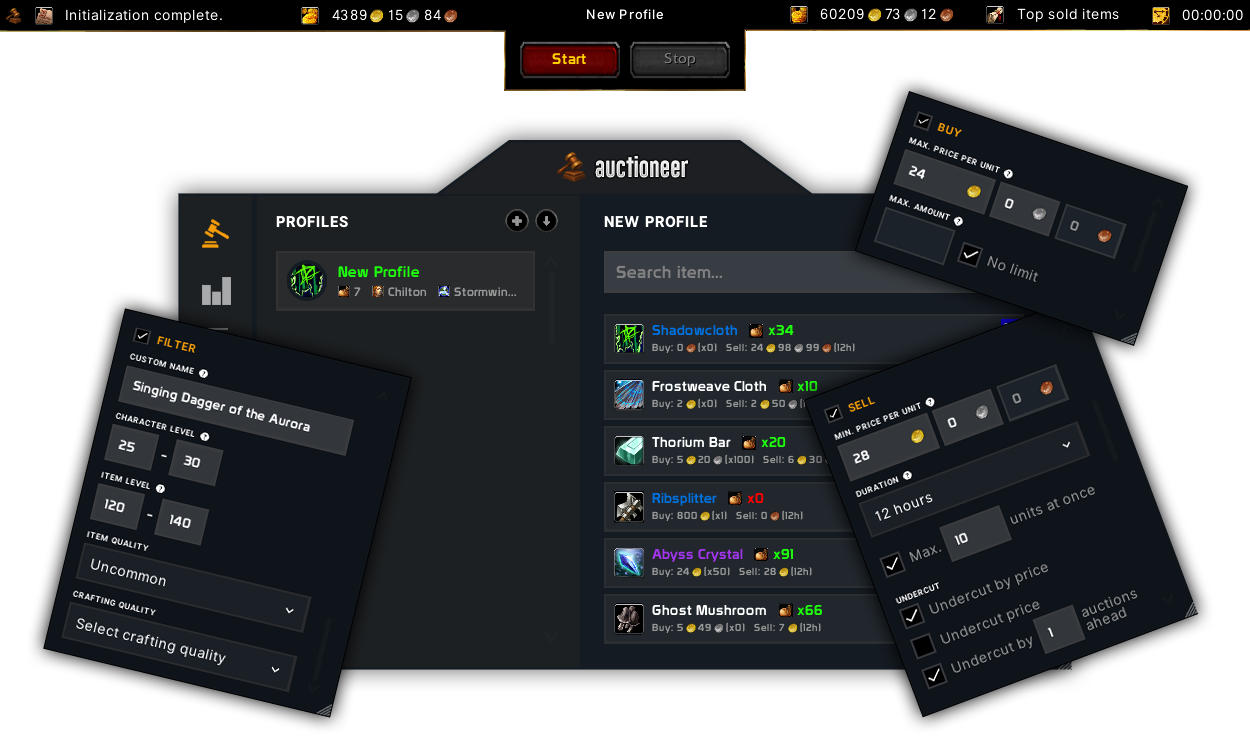
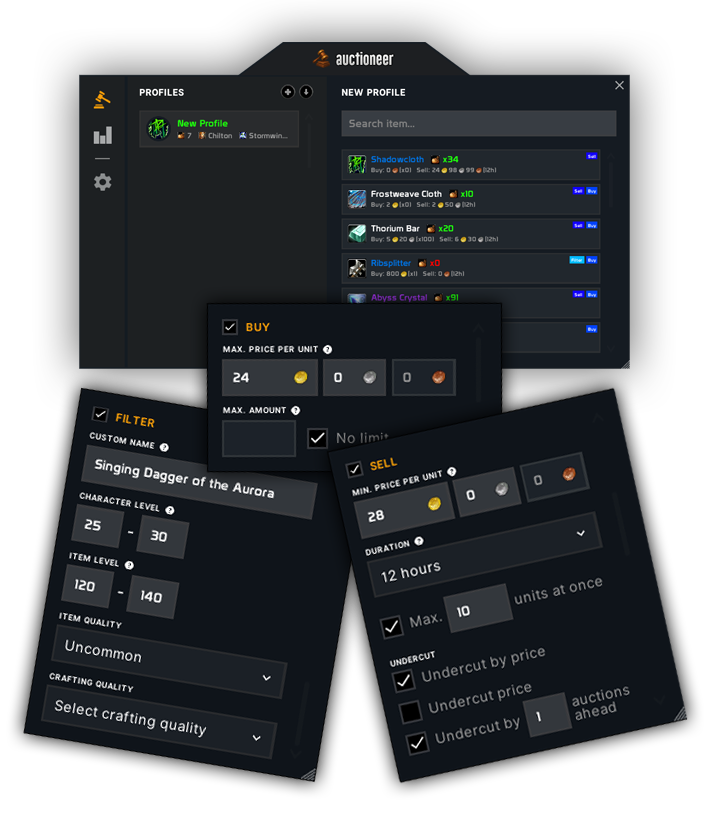
Media
Features

Buy
Automatically scan and purchase best-priced auctions
Auctioneer continuously scans the Auction House and auto-buys
the cheapest listings matching your preferences, ensuring you never miss a deal.

Sell
Zero-effort selling with batch automation
Items are automatically grouped, priced, stacked,
and listed based on dynamic market conditions and your predefined preferences.

Undercut
Fully automated relisting at optimal prices
Auctioneer detects undercut auctions and automatically cancels, reprices,
and reposts them to maintain market dominance.

Mailbox
Automatically collect all mail and auction gold
As soon as mail arrives, gold and items are fetched, organized,
and logged completely automated and instant.
FAQ
Which games/clients are supported?
All official EU and US clients are supported.
All official WoW games (incl. seasonal games) are supported.
All official WoW games (incl. seasonal games) are supported.
- Classic
- Classic Era
- Anniversary
What are the minimum requirements?
- HDD: 30 MB
- OS: Windows 10 or higher
Do I need additional Software?
No, Auctioneer is an all-round carefree package.
All necessary files are automatically downloaded and installed at the first start.
No additional files need to be downloaded or installed manually.
Can I get started right away?
It is necessary to create your own item lists and make the desired settings
(Sell, Buy, Undercut, Filter) for the respective items.
How high is the risk of being banned?
In comparison, it's similar to being caught cheating at a board game.
We like to say: "Never play with an account you don't want to lose."
Does Auctioneer work on Virtual Machines?
Yes. Tested with:
- Virtual Box
- VM Ware
Can i use multiple Auctioneer on the same PC?
Yes, if your license has more than one session you can use it on multiple or the same PC.
How does Multi-Session work?
Each license can be equipped with multiple additional sessions.
Each license/session can be used on the same and/or different PC's at the same time.
Each license/session can be used on the same and/or different PC's at the same time.
Where can I download Auctioneer?
Under the "Downloads" category in your account or in the corresponding license category.
Provided you have at least one active license.
Auctioneer cannot be started (error/other). What can I do?
Make sure you made an exception/exclusion in your antivirus and Windows Defender.
Disabling the antivirus isn't the same as creating the exclusion.
Even if it worked on previous days, the antivirus "especially Windows defender"
will stay active and quarantine/remove any false-positive files that he encounters.
Here you can find a tutorial for adding an exlcusion for Windows Defender:
Add an exclusion to Windows Defender
Here you can find a tutorial for adding an exlcusion for Windows Defender:
Add an exclusion to Windows Defender
I don't receive any emails. What can I do?
Please make sure to whitelist "noreply@bottie.net".
Pricing
